Product Overview
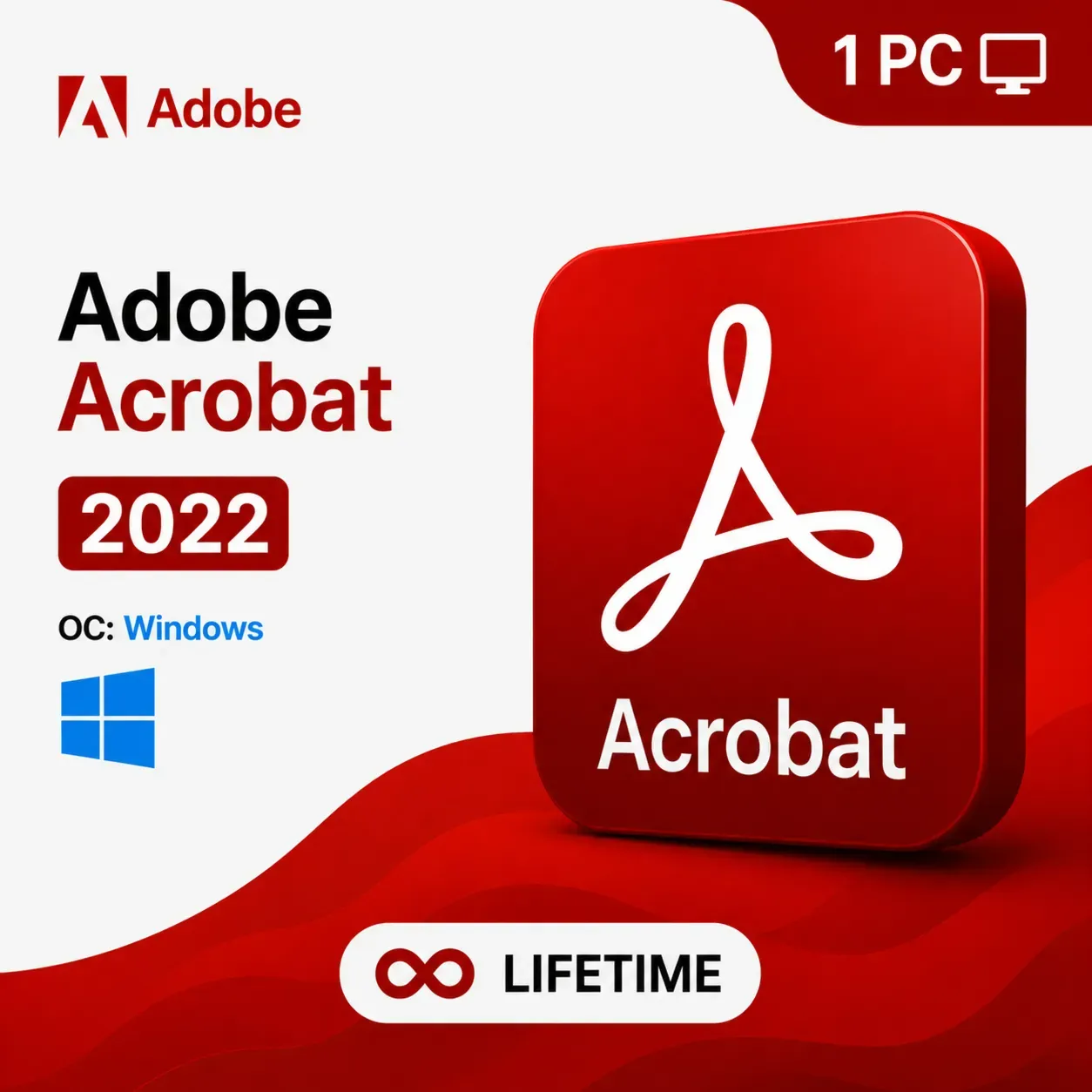
Adobe Acrobat Pro DC 2022 is Adobe’s most refined and feature-packed perpetual license release to date. Engineered for professionals and businesses that require the highest level of PDF capability, this version delivers unmatched tools for document creation, editing, conversion, collaboration, and security — all available with a single lifetime purchase. Install on one Windows PC and use it forever with no subscription fees.
What Is Adobe Acrobat Pro DC 2022?
Adobe Acrobat Pro DC 2022 is the latest version available as a standalone perpetual license, offering cutting-edge PDF tools without the need for a subscription. It includes all the essential features professionals rely on, with improved speed, a modernized interface, and better compatibility with Windows 10 and Windows 11. It is the definitive PDF solution for anyone who wants permanent ownership of their software.
Key Features
Professional PDF Creation Create flawless PDF documents from virtually any file format — Microsoft Word, Excel, PowerPoint, Outlook, web pages, scanned images, and more. Retain exact formatting, fonts, and layouts.
Powerful PDF Editing Make precise edits directly within your PDF. Modify text, update images, adjust page layouts, add or remove pages, and restructure content — all without the original source file.
Smart PDF Conversion Convert PDF files to fully editable Word, Excel, PowerPoint, and image formats with remarkable accuracy. The advanced conversion engine handles complex layouts, tables, and columns with ease.
Document Assembly and Organization Merge multiple documents into a single unified PDF. Split large files into smaller documents. Insert, delete, extract, rotate, and reorder pages with a simple interface.
Electronic Signatures and Workflows Sign PDF documents electronically with a legally binding e-signature. Send documents for signature requests, track completion status, and receive instant notifications when signed.
Top-Level Document Security Apply 256-bit AES password encryption, set custom viewing and editing permissions, and redact sensitive text and images permanently. Add digital certificates for verified document authenticity.
Commenting, Annotation, and Review Annotate PDFs with a full set of markup tools including highlights, sticky notes, stamps, and freehand drawing. Manage multi-user review sessions and consolidate all feedback in one document.
Interactive PDF Forms Build interactive forms with customizable fields, checkboxes, radio buttons, and dropdown menus. Distribute forms, collect responses, and export data directly to Excel.
Optical Character Recognition (OCR) Convert scanned paper documents and image-based PDFs into fully searchable and editable text using built-in OCR technology.
Accessibility Features Make PDFs accessible to all users by adding reading order, tags, and alternative text for images. Ensure compliance with accessibility standards such as PDF/UA and WCAG.
Microsoft 365 and Cloud Integration Seamlessly open, edit, and save PDFs within Microsoft Word, Excel, and PowerPoint. Access and save files from cloud storage services.
Print Production Tools Preflight and prepare PDF documents for professional printing. Adjust color profiles, check document settings, and ensure print-ready output.
System Requirements
- Operating System: Windows 10 / Windows 11 (64-bit)
- RAM: Minimum 2 GB (4 GB recommended)
- Hard Disk Space: 4.5 GB of available space
- Processor: 1.5 GHz or faster
- Screen Resolution: 1024 x 768
- Internet Connection: Required for activation only
License Details
- License Type: Lifetime (Perpetual)
- Number of Devices: 1 Windows PC
- Delivery Method: Digital — Activation Key sent after purchase
- Activation: Must be activated within the application (NOT on Adobe’s website)
- Language: Multilanguage
Who Is This For?
Adobe Acrobat Pro DC 2022 is the ideal choice for lawyers, accountants, architects, engineers, HR managers, marketing professionals, educators, students, and business owners — anyone who needs a permanent, professional, and powerful PDF solution without paying a monthly subscription fee.
 Instant Delivery
 Lifetime License










Reviews
Clear filtersThere are no reviews yet.