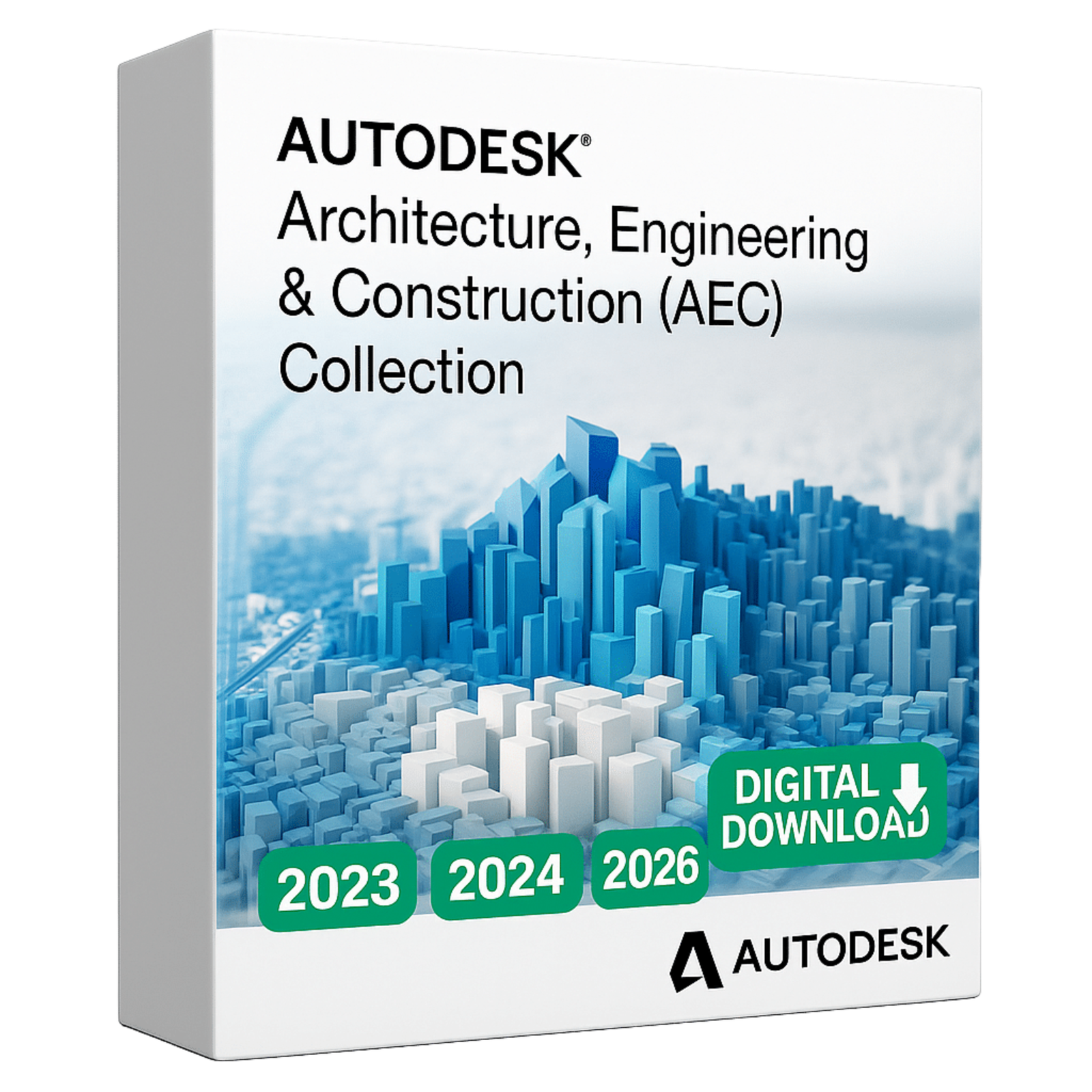
Autodesk Architecture, Engineering, and Construction (AEC)
Introduction to Autodesk AEC Collection
The world of architecture, engineering, and construction is evolving rapidly. Autodesk provides powerful tools designed to simplify project management, improve collaboration, and deliver innovative results. With Autodesk Architecture AEC, professionals gain the ability to streamline workflows and improve design accuracy.
Autodesk AEC Collection
AutoCAD—The world’s leading CAD software for 2D and 3D drawings.
Revit—BIM software for smart building design and collaboration.
Civil 3D—for roads, bridges, and civil engineering projects.
Navisworks—Combine models and detect clashes before construction.
3ds Max—Create realistic renderings, animations, and visualizations.
Why Choose Autodesk for Architecture and Engineering
Autodesk is a trusted leader in architectural engineering and construction engineering solutions. Whether you are an engineer for construction, an architect, or a project manager, Autodesk software offers integrated platforms like AutoCAD, Revit, and BIM 360 that enhance productivity across all project stages.
Key Benefits
-
Efficiency in Design – Create accurate architectural models with ease.
-
Seamless Collaboration – Teams can work together on one platform in real time.
-
Cost Optimization – Reduce waste and project delays by planning effectively.
-
Future-Proof Technology – Stay competitive with the latest digital innovations.
Autodesk AutoCAD Software in Construction
One of the most recognized products is Autodesk AutoCAD software, essential for both architecture engineering and construction design. It provides detailed 2D and 3D drawings, making it easier to bring ideas to life and communicate designs effectively.
The Role of Architecture in Construction Projects
Understanding what is the architecture of a project is critical to its success. Autodesk ensures architects and engineers have access to tools that define the architecture of structures with precision. From conceptual designs to execution, every step benefits from Autodesk’s ecosystem.
How Autodesk Supports Construction Engineering
Modern construction engineering requires advanced solutions that handle planning, design, and project delivery. Autodesk offers Building Information Modeling (BIM), which integrates architecture and engineering workflows into a single platform, ensuring projects stay on time and within budget.
Conclusion: Building the Future with Autodesk
Autodesk empowers professionals across the construction industry by providing cutting-edge software for architecture and engineering. From concept to completion, Autodesk AEC tools ensure success in today’s competitive environment.
System Requirements for Autodesk AEC Software
Minimum Requirements
-
Operating System: Windows 10 or Windows 11 (64-bit)
-
Processor (CPU): 2.5–2.9 GHz (multi-core recommended)
-
Memory (RAM): 8 GB
-
Display Resolution: 1920×1080 with True Color
-
Graphics: 1 GB GPU with 29 GB/s bandwidth and DirectX 11 support
-
Disk Space: 10 GB free (SSD recommended)
-
Internet: Stable connection for installation and activation
Recommended Requirements
-
Operating System: Windows 11 (64-bit), macOS Monterey 12 or later (for supported apps like AutoCAD for Mac)
-
Processor (CPU): 3.0+ GHz, 4+ cores (Intel i7/AMD Ryzen 7 or better)
-
Memory (RAM): 16–32 GB for complex 3D modeling
-
Graphics: 4 GB+ GPU with 106 GB/s bandwidth, DirectX 12 compatible
-
Disk Space: 20 GB+ SSD (NVMe preferred for speed)
-
Network: High-speed broadband for Autodesk Cloud/BIM 360






 Instant Delivery
 Lifetime License



Reviews
Clear filtersThere are no reviews yet.